Claude Code
Claude Code is Anthropic’s agentic coding tool.
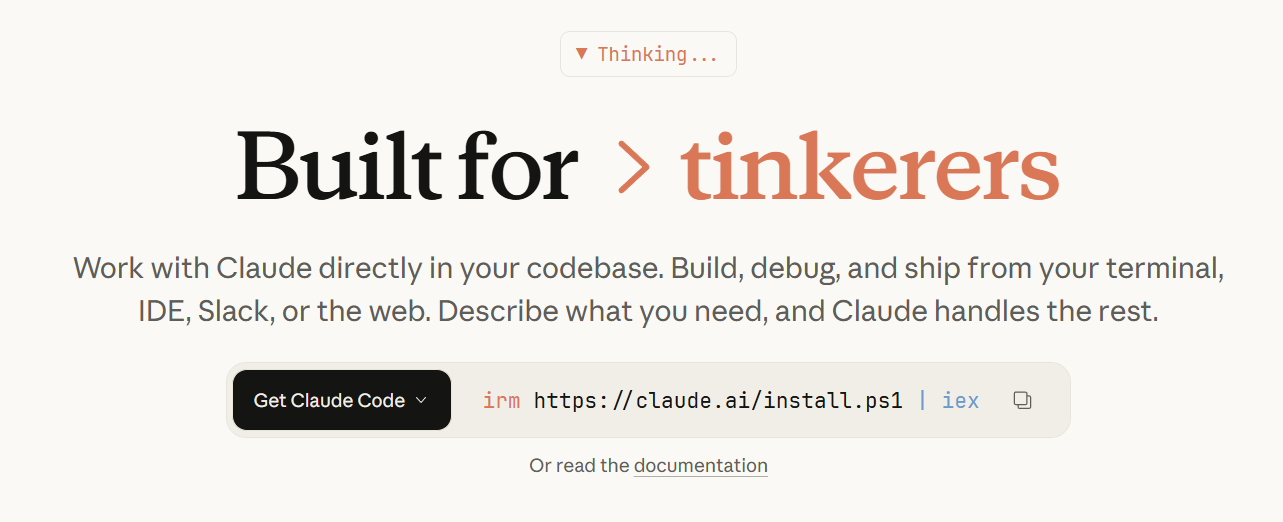
I’ve been using Claude Code for about a month now. And honestly, when I sat down to write this blog post I thought I would have more to say. But my general impression is: It just works.
(I know with all the Anthropic love on this blog I’m starting to come across as a shill. But what do you want me to do?)
According to AI Wiki, Claude Code came out in beta in February 2025 and was released more broadly in May 2025. It was originally built as a coding helper, though the underlying agent harness (originally called the Claude Code SDK, later renamed the Claude Agent SDK) has since been used to power many non-coding applications as well. I’ve been using Claude Code for general data management, not just coding, and it’s been quite excellent—though my work often involves integrating calculations and programming in a hard-to-disentangle kind of way.
The tool was developed by Boris Cherny at Anthropic. In a PC Mag interview, Cherny discusses the tool’s origins. Unfortunately, because I just started using Claude Code in the past month—fairly late, honestly, given the hype—I can’t speak to how it performed before the recent upgrade to Opus 4.5. But I can say that the Opus 4.5 version is quite excellent.
Though there are several ways to access Claude Code—terminal, IDE, web, iOS, and Slack—I’ve only been using the terminal version. The terminal version of Claude Code is remarkably easy to set up. You download the program and then, when you want to use it, you just enter the command claude into the command line. And then you’re ready to go. Anything you want Claude to do—whether it’s coding or research on the web or moving around files—can be instructed in normal English, similar to how you would communicate with the chat version.
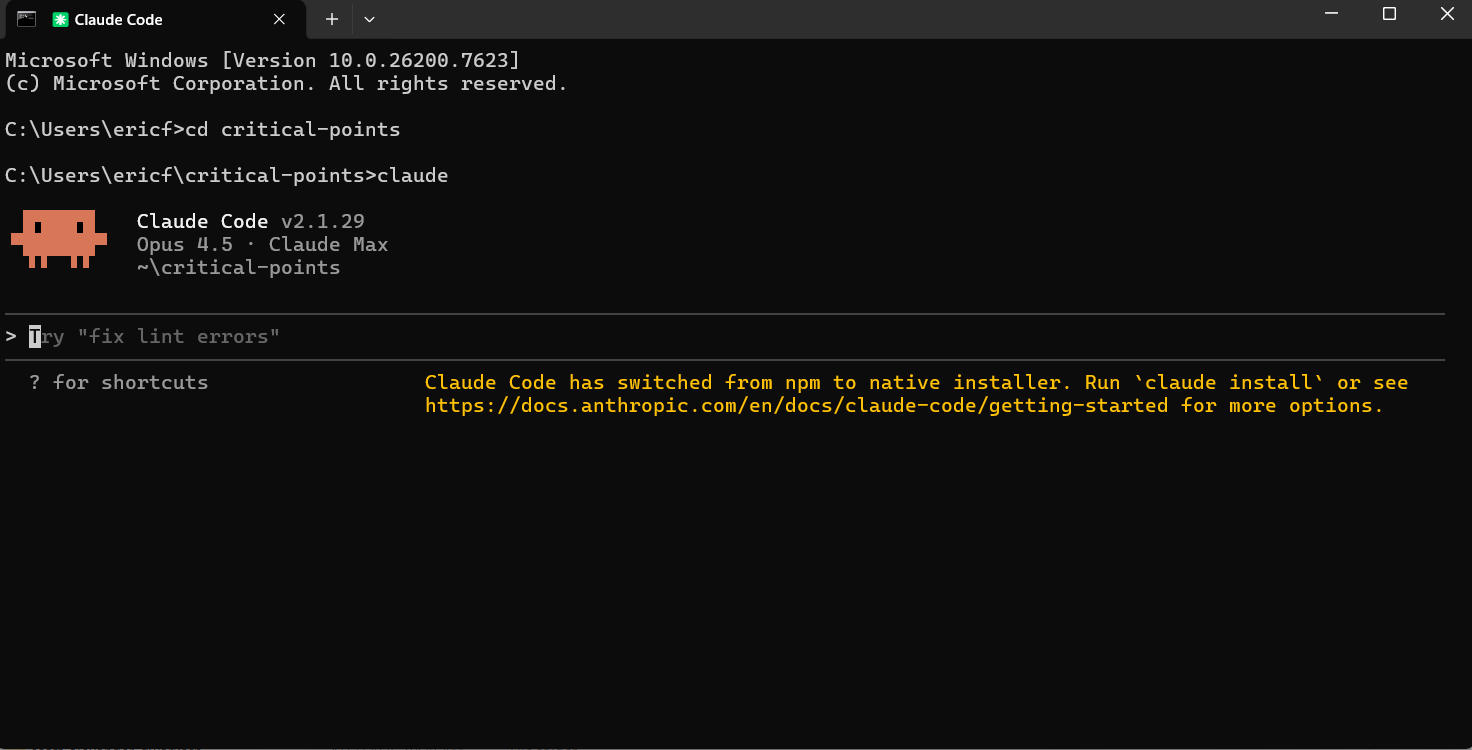
When you first use Claude Code in a new folder, you’ll want to use the /init command. This asks Claude to examine all the files in the folder to get context for what it’s likely going to be trying to do. It stores all this information in a file called CLAUDE.md.
Claude Code feels distinctly agentic in a way that the chat version doesn’t. It can actually enact long-term plans.
I haven’t yet used the “YOLO mode” that other people are allegedly running it in (the command is claude --dangerously-skip-permissions), but Claude Code has successfully performed autonomous tasks for up to ten minutes when I’ve asked it to—and it clearly seems capable of doing more. This feels like a qualitatively different thing than the extended thinking used in the chat interface, though perhaps the underlying technology is similar.
Something that feels different is that I no longer implicitly worry about the context window when I give it a command. With chat interfaces, I’m always mentally calculating: is this task going to exceed the context limit? Will I need to break it up? With Claude Code, that anxiety has largely evaporated.
To give a concrete example: I recently asked Claude to convert a paper’s formatting from the style required by a conference submission to something more default and better suited for arXiv. That sort of task is something I would feel nervous giving to a chatbot—even for AI models like Gemini with really good context windows. But Claude Code handled it with no problem.
I’m not sure if I yet have any specific advice on how to use Claude Code more effectively. My default approach of just talking to it like a colleague seems to work well.
That said, for complex tasks (e.g. specifying a semi-elaborate program), I like to explain in detail the context of what I want and my idea of how I want it done—and then ask it to ask me any clarifying questions. The idea behind requesting clarifying questions is that it makes the AI reflect on its own areas of uncertainty—areas that I wouldn’t have realized were ambiguous based on my prompting. My answers to those clarifying questions often turn out to be high-density information for helping it perform the task: not only because I directly answer relevant questions, but because my answers reveal my general stance towards the task (e.g. do I just want something quick and dirty, or something highly-crafted and specific in the details?)
You do need to pay for Claude Code. The Pro tier is $17 per month. Depending on how often you plan on using it, it might be worth upgrading to the Max tier. The Pro version has rate limits, and from personal experience, if you are using it heavily—as a main tool for a project—it’s quite easy to hit those limits.
Apparently OpenAI’s Codex offers a similar experience to Claude Code. I am constantly reminded that, despite being in the 99th percentile of being an AI nerd, there is really so much good stuff out there that it’s super easy to miss something.
Hilariously, while doing some light research for this post, I discovered that Anthropic has already released Claude Cowork. Allegedly, it was built in a week and a half using Claude Code (obviously such sensationalism should be taken with a grain of salt). Unfortunately, it appears to only be available on macOS, so I can’t comment on the Claude Cowork experience firsthand.
If you want to learn more about Claude Code, here are some good resources.